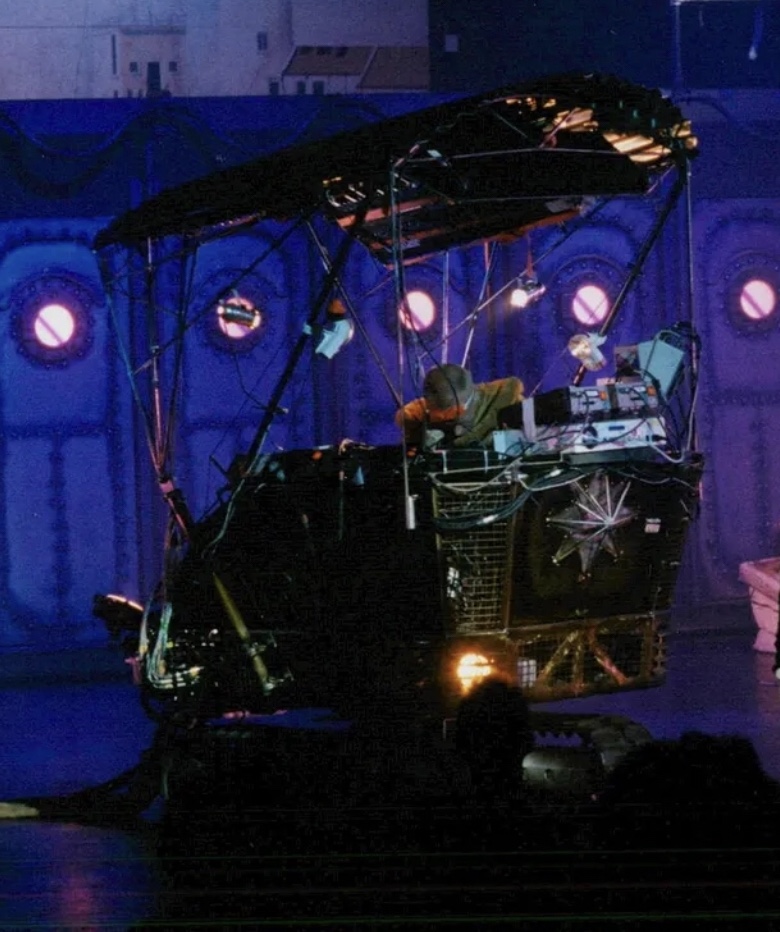

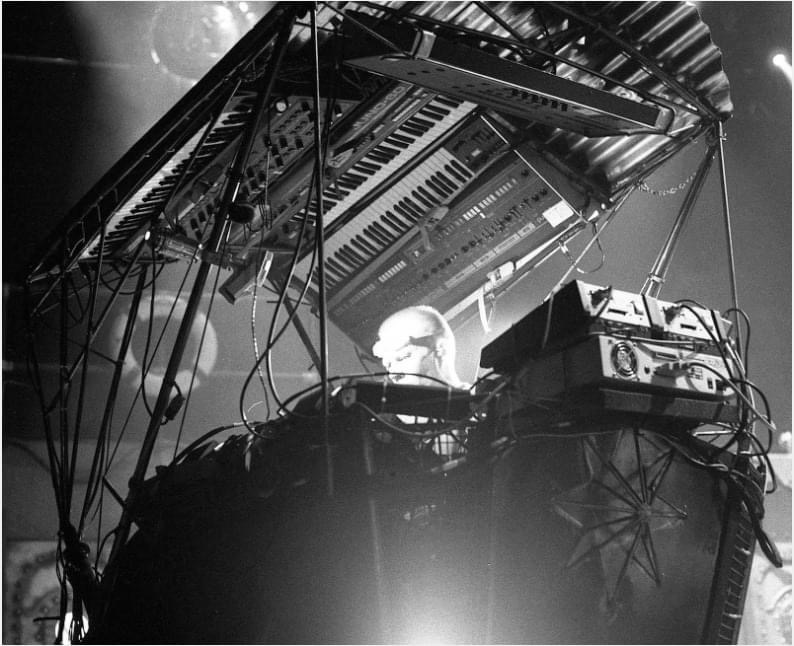
[Roland MC-4](https://www.gearslutz.com/gear/roland/mc-4) - main sequencer controls 4 synths:
Moog Mini-Moog - bass
[Roland Juno 60](https://www.gearslutz.com/gear/roland/juno-60)
SCI [Prophet 5](https://www.gearslutz.com/gear/sequenti ... /prophet-5) or [Roland Jupiter 8](https://www.gearslutz.com/gear/roland/jupiter-8) (switched by [MC-4](https://www.gearslutz.com/gear/roland/mc-4) program)
Oberheim Xpander (two "sides" switched by [MC-4](https://www.gearslutz.com/gear/roland/mc-4) program)
[MC-4](https://www.gearslutz.com/gear/roland/mc-4) is synced to:
Akai [MPC-60](https://www.gearslutz.com/gear/akai-professional/mpc60) w/ hard drive - all drum sounds
plus:
[Roland SH-1](https://www.gearslutz.com/gear/roland/sh-1) - backup synth
[Roland MC-4](https://www.gearslutz.com/gear/roland/mc-4) - backup sequencer
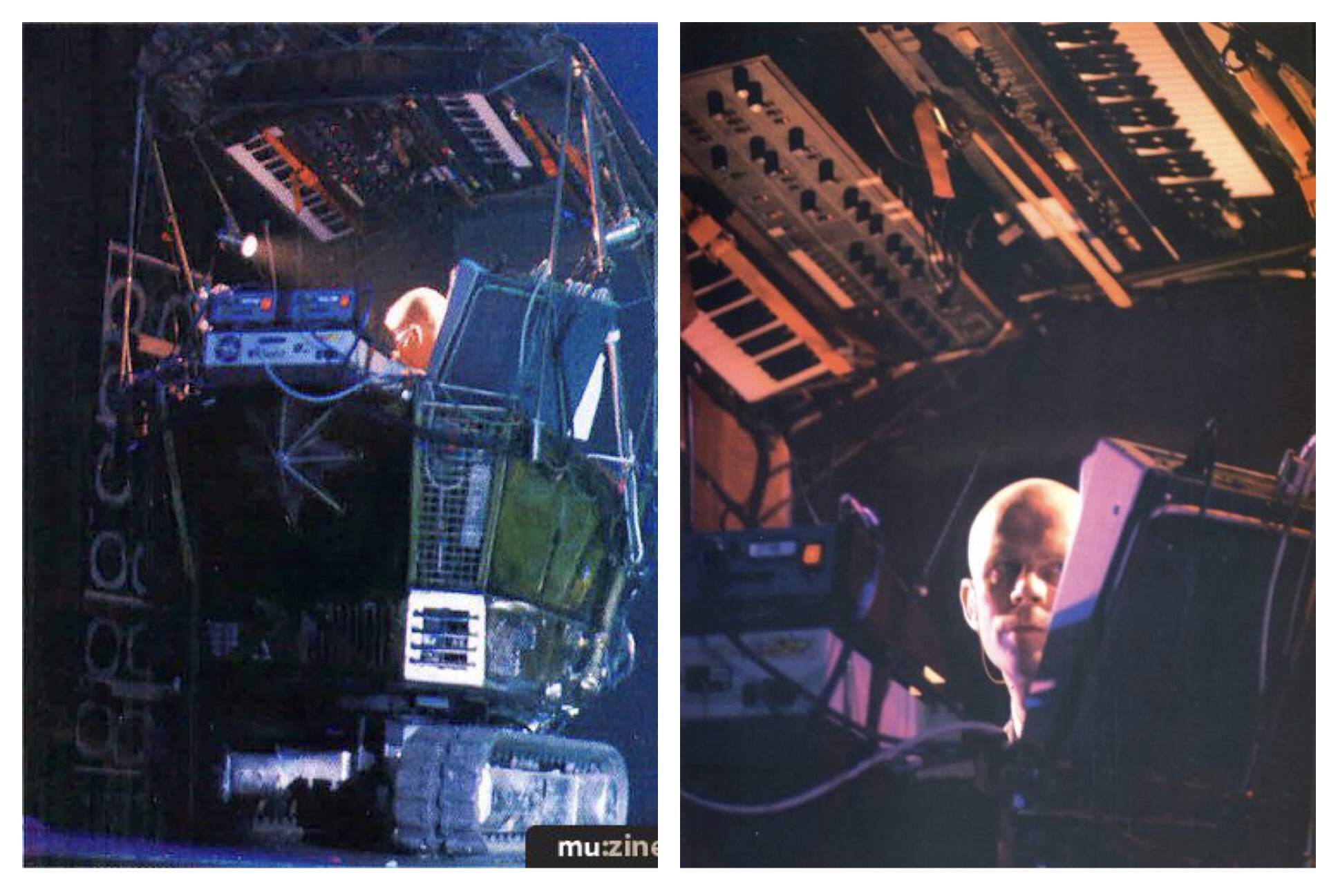
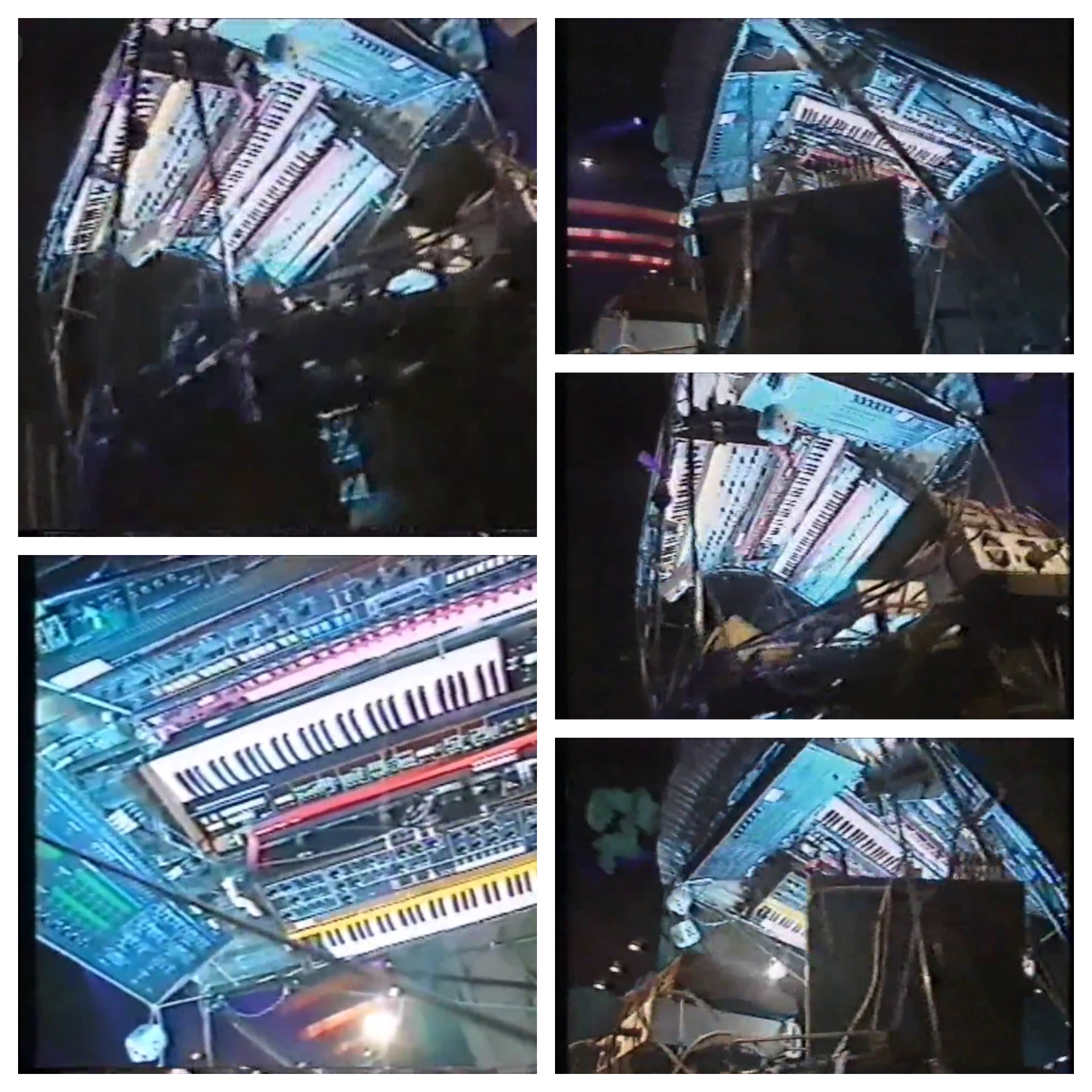
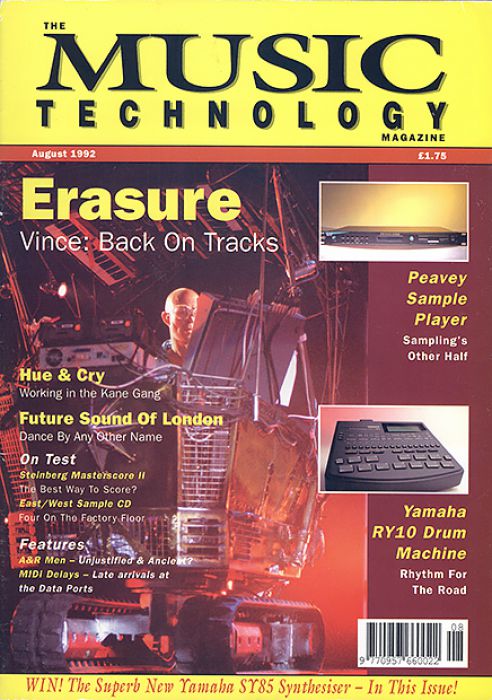
1992 - Inside the Tank
Roland MC-4 - main sequencer controls 4 synths:
Moog Mini-Moog - bass
Roland Juno 60
SCI Prophet 5 or Roland Jupiter 8 (switched by MC-4 program)
Oberheim Xpander (two "sides" switched by MC-4 program)
MC-4 is synced to: Akai MPC-60 w/ hard drive - all drum sounds
plus:
Roland SH-1 - backup synth
Roland MC-4 - backup sequencer
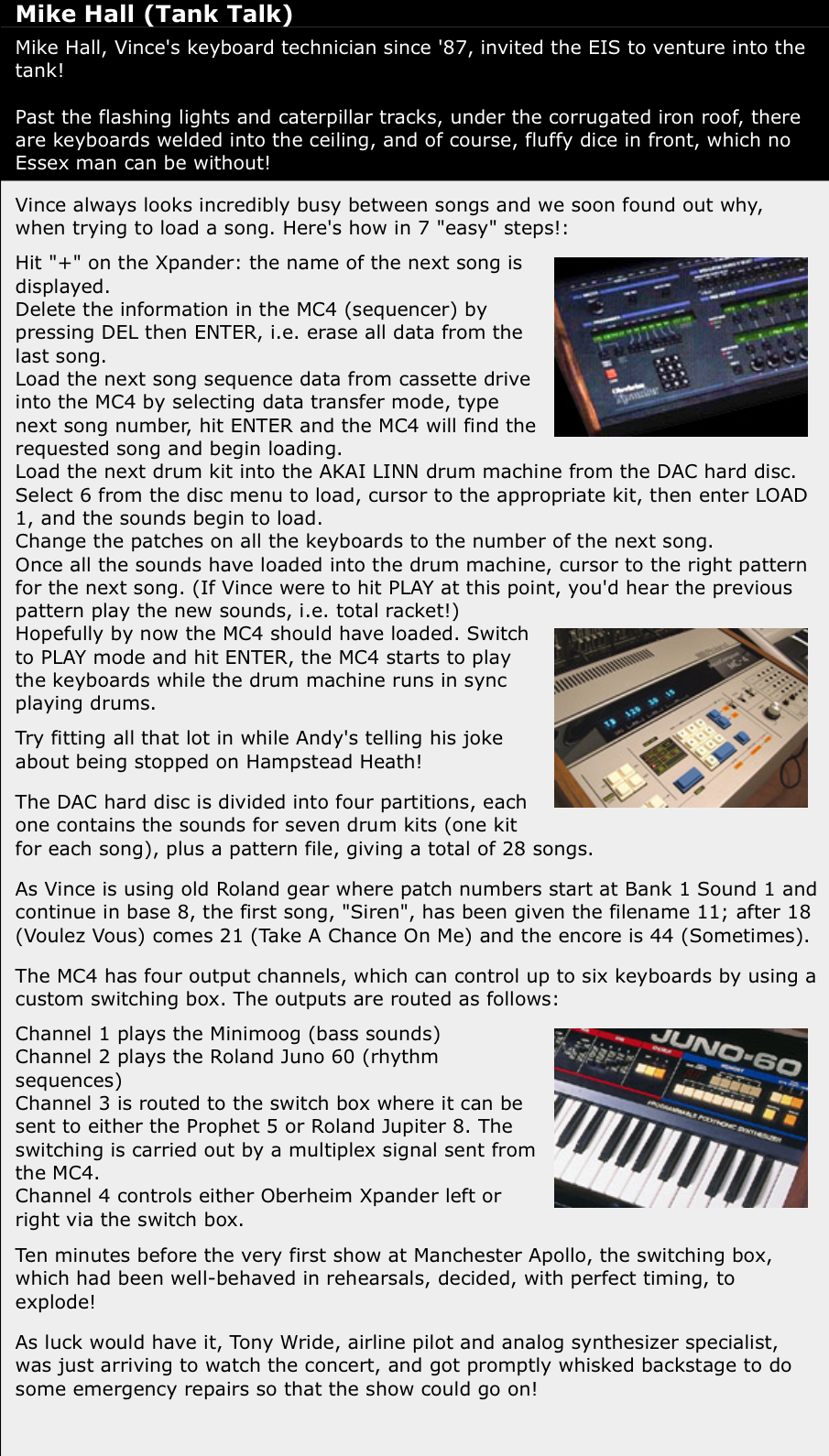
The MC4 has four output channels, which can control up to six keyboards by using a custom switching box. The outputs are routed as follows:
Roland Juno 60Channel 1 plays the Minimoog (bass sounds)
Channel 2 plays the Roland Juno 60 (rhythm sequences)
Channel 3 is routed to the switch box where it can be sent to either the Prophet 5 or Roland Jupiter 8. The switching is carried out by a multiplex signal sent from the MC4.
Channel 4 controls either Oberheim Xpander left or right via the switch box.
Hit "+" on the Xpander: the name of the next song is displayed.
Delete the information in the MC4 (sequencer) by pressing DEL then ENTER, i.e. erase all data from the last song.
Load the next song sequence data from cassette drive into the MC4 by selecting data transfer mode, type next song number, hit ENTER and the MC4 will find the requested song and begin loading.
Load the next drum kit into the AKAI LINN drum machine from the DAC hard disc. Select 6 from the disc menu to load, cursor to the appropriate kit, then enter LOAD 1, and the sounds begin to load.
Change the patches on all the keyboards to the number of the next song.
Once all the sounds have loaded into the drum machine, cursor to the right pattern for the next song. (If Vince were to hit PLAY at this point, you'd hear the previous pattern play the new sounds, i.e. total racket!)
Hopefully by now the MC4 should have loaded. Switch to PLAY mode and hit ENTER, the MC4 starts to play the keyboards while the drum machine runs in sync playing drums.
Try fitting all that lot in while Andy's telling his joke about being stopped on Hampstead Heath!
The DAC hard disc is divided into four partitions, each one contains the sounds for seven drum kits (one kit for each song), plus a pattern file, giving a total of 28 songs.
As Vince is using old Roland gear where patch numbers start at Bank 1 Sound 1 and continue in base 8, the first song, "Siren", has been given the filename 11; after 18 (Voulez Vous) comes 21 (Take A Chance On Me) and the encore is 44 (Sometimes).
Thanks to Martin Hastie for article.